Contents
Takes about 30 seconds
The short answer
Five places will restore an old photograph, and they are not really competing with each other: they suit different numbers of photographs and different kinds of damage. The whole decision comes down to how many you have and whether any single one is irreplaceable.
| Where | Cost | How long | Right for | The catch |
|---|---|---|---|---|
| An online AI tool | Under $1 a photo | About 30 seconds | Ordinary damage on any number of photos | Invents what was never recorded |
| A drugstore photo counter | Ask the branch | Days, it is sent out | You are already going there | Outsourced, and not every branch offers it |
| A professional retoucher | $50 to $150 a photo | A few days | One photograph that genuinely matters | A box of forty costs thousands |
| A mail-in service | Quoted per photo | Weeks, including shipping | Scanning and restoring in one go | Your originals leave the house |
| A local photo lab | Quoted per photo | Days to weeks | Talking to a human about the photo | Fewer of them survive every year |
We make one of the online tools, which you should factor into how you read the rest of this. Everything said about the other four comes from their own published pages.
Doing it yourself online
The cheapest and fastest of the five, and the one we make, so take the enthusiasm with that in mind. There is no appointment, nothing gets posted, your prints never leave the house, and the price is under a dollar a photograph rather than fifty. The four options after this one are the alternatives, set out as fairly as we can manage.
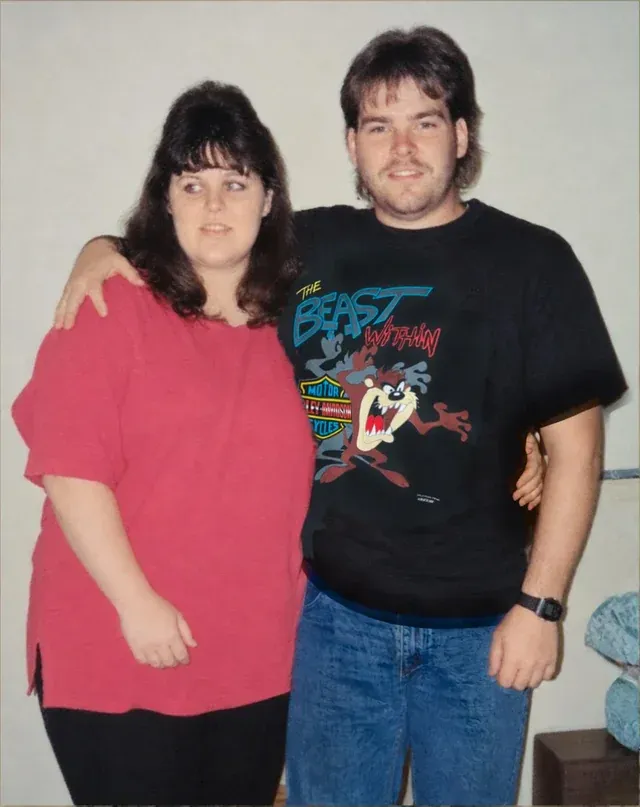
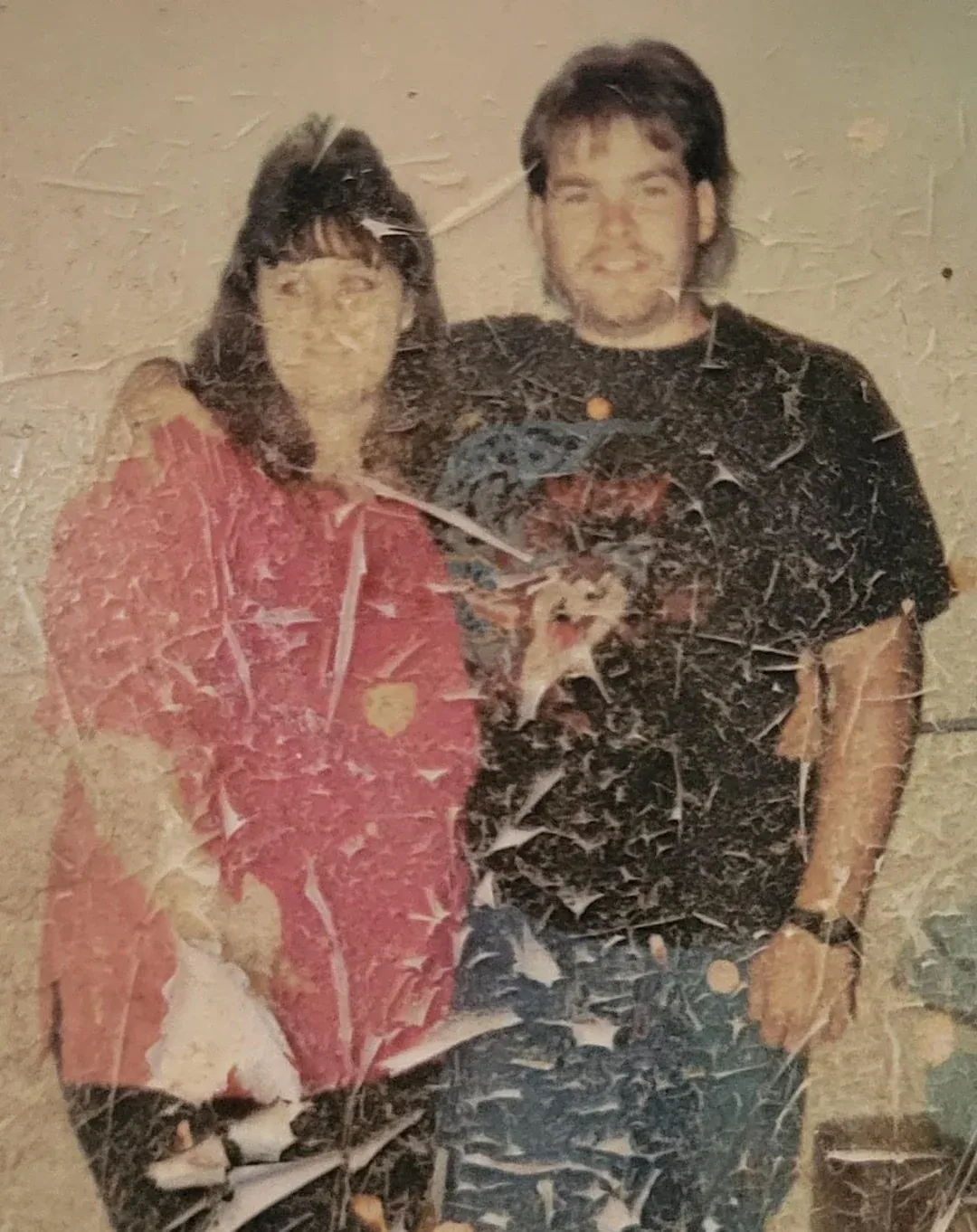
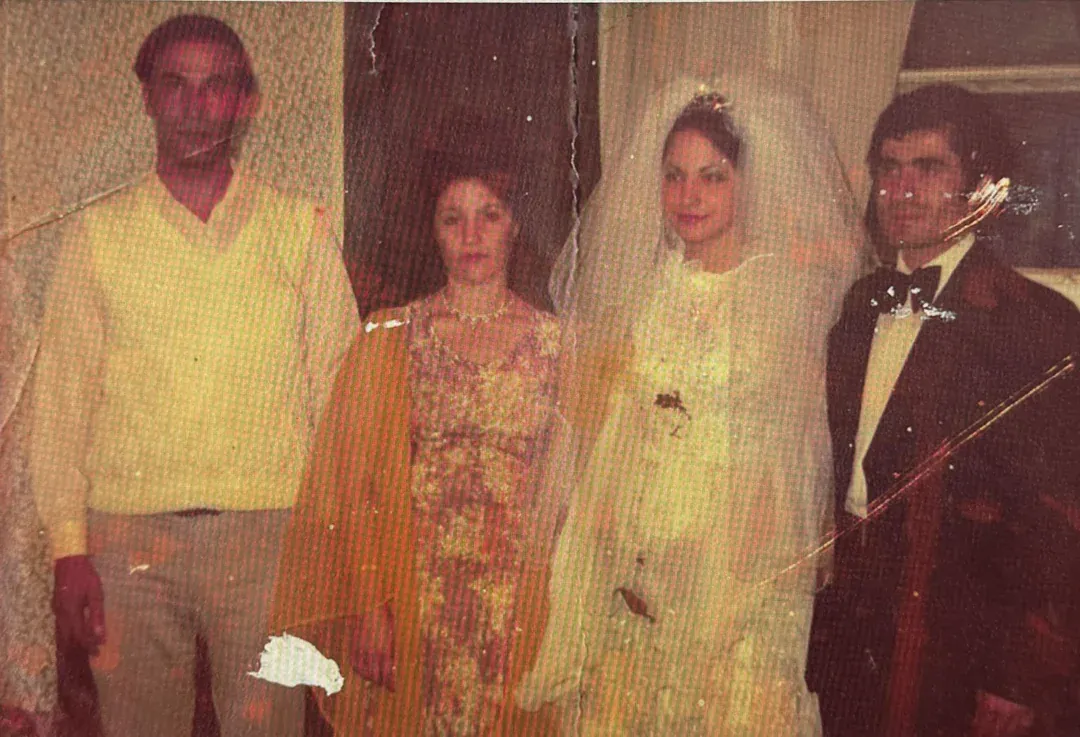
What you actually have to do
Five things, and the first one is the only one that takes any effort. Start to finish it is about a minute per photograph. There is no software to install, no editor to learn, no layers, no masks and no settings to understand. If you can send an email attachment you can do this.
- Get the photo onto a screen. Scan it at 600 dpi if you have a scanner. If you do not, lay the print flat near a window, turn the flash off, and photograph it straight on with your phone. That genuinely works, and it is how most people do it. This step sets the ceiling for everything after it, so it is worth the extra minute.
- Open the app and sign in with Google. One click, no password to invent, no card. The account exists so the credits and the files belong to someone, and so you can come back for a download later.
- Drag the photo in. Or tap to pick it from your phone. JPG, PNG, HEIC and WEBP all work. Several at once is fine, which is the point if you have a boxful rather than one: queue them and walk away.
- Choose what is wrong with it. Restore for damage, Colorize for black and white, Sharpen for soft. One click, and the full list is below. If the print is damaged and black and white, Restore does both in the same pass, which gives a better result than colouring a scratched photo and then trying to fix it.
- Download it. About thirty seconds later you get a 1080p file with no watermark, and a slider to compare it against your original before you commit to anything.
What happens to your photo
It is uploaded to a server, processed, and sent back. That is the trade every browser tool asks for and it is worth being plain about it: if a particular photograph must never leave your own machine, this whole category is the wrong answer and desktop software is the right one.
What we do with it in the meantime: a credit comes off when a photo finishes rather than when you upload it, so a job that fails costs you nothing. The result stays in your history for 30 days, which means a second download never costs a second credit and you are not racing to save everything the same evening. After 30 days it is deleted. Your original file is never altered or overwritten, and there is a 30-day money-back guarantee if the output is not what you hoped for.
What you can ask it for
| Style | What it does | Cost |
|---|---|---|
| Restore | Scratches, creases, tears, water stains and fading removed | 1 credit |
| Colorize | Black and white or sepia turned into full colour | 1 credit |
| Enhance | Detail, contrast and tone on a tired print | 1 credit |
| Sharpen | Out-of-focus shots, camera shake and soft scans rebuilt | 1 credit |
| Cleanup | Dust, speckling and film grain taken off | 1 credit |
| Animate | A still portrait turned into a four-second clip | 3 credits |
A credit is between $0.44 and $0.70 depending on the pack. Nothing renews and the credits do not expire, which suits a job that ends.
Where it falls short
The honest limit applies to every tool in this category, ours included: the model fills damaged areas from what surrounds them, and where nothing surrounds them it invents. A missing corner with a face in it comes back with a face, and it is not that person's face. Output also caps at 1080p, which is fine for screens and ordinary prints and not enough for a gallery enlargement.
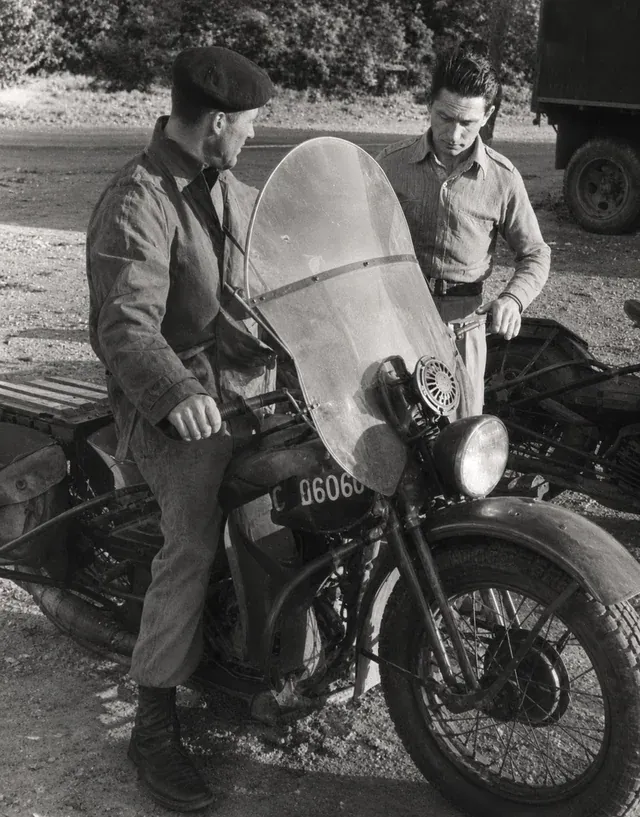
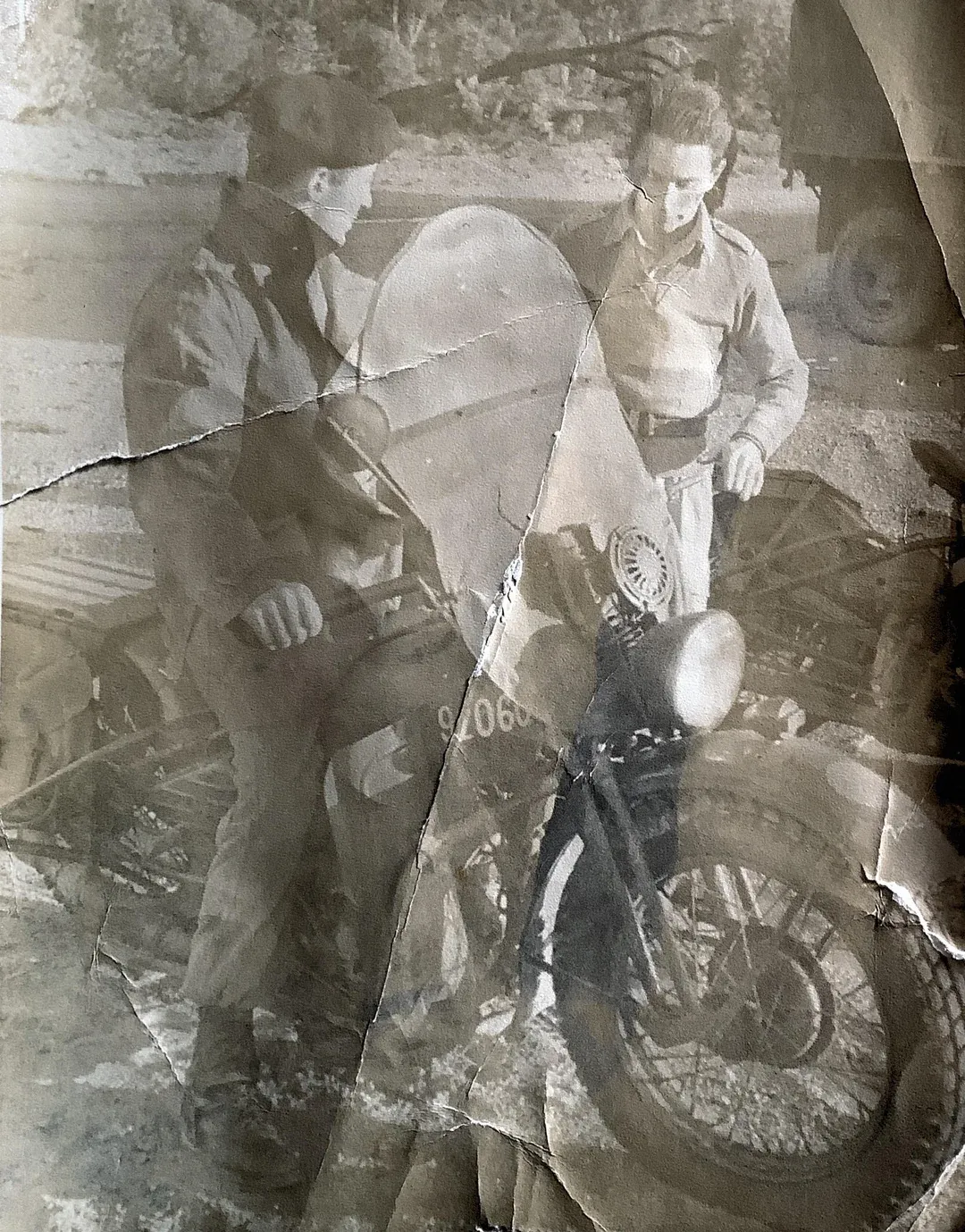
For the scratches, creases, fading and softness that most shoebox damage actually consists of, the result is genuinely good and the price difference against the other four options is enormous. Whichever tool you use, do the capture properly first, because nothing downstream recovers detail your scan did not record. There is a short guide to that in how to restore old photos, and a comparison of the tools themselves in the app comparison.
Walgreens, CVS and the photo counter
This is the most asked version of the question, so it is worth answering properly. The short version is that the drugstore photo counter is built around printing, and restoration is at best something it passes along to somebody else.
- Walgreens: yes, in store, sent out
- Their own photo help page states that photo restoration is not offered online, that it is available in store, and that the images are sent to an outside vendor to be fulfilled. So the counter is a drop-off point rather than the place the work happens. Price and turnaround are set by the vendor and availability varies by branch, which is why their advice, and ours, is to phone the specific store first.
- CVS: no published restoration service
- The CVS photo offering covers prints, copy prints, prints from old negatives, and home movie and photo transfer, which digitises rather than repairs. There is no restoration service published alongside those. Their film processing page also notes that processing is temporarily paused as of 24 October 2026.
- What a counter is genuinely good for
- Scanning, if you do not own a scanner and do not want to photograph two hundred prints yourself, and printing the restored file afterwards. Those are real services and worth using. Just do not expect the repair to happen there.
Read off each company's own pages on 3 November 2026. Retail services change often and vary by location; treat this as a reason to call rather than as a current quote.
The practical consequence: if you drop photographs at a counter, you are paying a markup for somebody to post them to a third party. You can post them to that kind of service yourself, or scan them and skip the posting entirely.
A professional retoucher
$50 to $150 per photograph, a few days of turnaround, and more for complex work. That is a fair price for two to four hours of skilled manual work, and for the right photograph it is the correct answer rather than an extravagance.
A person can do three things no automated tool can. They can be told what colour something actually was. They can rebuild a missing face by referencing a different photograph of the same person. And they can make a judgement about what the photograph is supposed to look like, rather than producing the most statistically likely version of it.
Where to find one: photography groups and local camera clubs, framing shops, or any of the online marketplaces where retouchers advertise. Ask to see work on damage similar to yours rather than a general portfolio, and agree the price before sending anything.
Mail-in services and local labs
Mail-in services take the whole box, scan it, optionally restore some of it, and send everything back with the digital files. ScanCafe is the name people search for most in this category. Pricing is per photograph and quoted on request, so get the quote before posting, and read the terms about what happens if something is damaged in transit.
The real consideration is not price, it is that your originals leave the house. For most collections that is a reasonable risk against the time saved. For the only surviving photograph of somebody, scan it yourself first so that whatever happens in the post, the image survives.
Local photo labs and independent camera shops are the oldest answer to this question and the one shrinking fastest. Where one still exists it is often excellent, because the person doing the work will talk to you about the photograph. Expect Photoshop-based hand work at professional rates rather than anything cheaper.
Which to pick
Two questions settle it: how many photographs, and is any single one irreplaceable?
| What you have | Go to | Why |
|---|---|---|
| A box of forty, ordinary damage | An online tool | Under a dollar each, so the whole box costs less than one professional restoration |
| One photograph above all the others | A professional | Worth $50 to $150 once, on the one that deserves it |
| Two hundred prints, no scanner | A mail-in service | Scanning is the bottleneck at that quantity, not the restoring |
| You want to hand it over and collect it | A local lab | A drugstore counter does the same thing by posting it on, with a markup |
| Nothing may be uploaded or posted | Desktop software | Every other option here moves the file or the print somewhere else |
Most people end up doing two of these: everything through a tool, and the two or three that matter sent to a person.
Questions people ask
Does Walgreens restore old photos?
Yes, but only in store and not through their website. Walgreens' own photo help page states that photo restoration is not offered online, that the service is available in store, and that images are sent to an outside vendor for fulfilment. That last part is the one to know: the restoring is not done at the counter or by Walgreens, so turnaround is measured in days and the price is set by whoever they send it to. Availability varies by branch, so call your local store before driving over. Checked 3 November 2026.
Does CVS restore old photos?
Not as a published service. The CVS photo counter is built around prints, copy prints, prints from old negatives, and home movie and photo transfer, which digitises rather than repairs. Their own film processing page also notes that film processing is temporarily paused as of 24 October 2026. If you need a damaged print repaired rather than copied or digitised, CVS is not where that happens. Checked 3 November 2026.
Where can I get old photos restored near me?
In rough order of how likely you are to find one: a drugstore photo counter that will send it out, an independent camera shop or photo lab if your town still has one, a local freelance retoucher found through a photography group, or a framing shop that works with one. All of these are really the same answer, which is a person doing it in Photoshop and charging for their hours. The reason "near me" matters less than it used to is that the work is digital at every step after the scan, so the person doing it does not need to be nearby.
Where is the cheapest place to restore old photos?
An online tool, by a wide margin, and it is not close. Automated restoration runs under a dollar a photograph against $50 to $150 for hand work. The cheapest route of all is doing the scanning yourself with a phone and then running the files through a tool with a free allowance. The thing to compare is not only the price but what each is good at: cheap and automatic is the right answer for a box of ordinary damage, and the wrong one for a single photograph that has been torn in half.
Is it worth paying a professional to restore an old photo?
For one or two photographs, often yes. A person can be told that the uniform was Royal Navy blue, can rebuild a missing face by referencing another photograph of the same person, and can make judgement calls that no model makes. That is worth $50 to $150 on a photograph that is genuinely irreplaceable. For the other thirty-eight in the box it is not, which is why most people end up doing both: everything through an automated tool, and the two or three that matter sent to a human.
Are online photo restoration services safe?
They upload your photographs to a server, which is the trade every browser-based tool asks for, ours included. For ordinary family photographs most people find that unremarkable. If a particular photograph must never leave your own machine, the only answers are desktop software that processes locally, or paying somebody local and handing over the print in person. Our own policy is that results are deleted after 30 days, and you should check what any tool you use says about retention before uploading a collection.
Where should I take water-damaged photos?
If the photographs are still wet or stuck together, that is a conservation problem rather than a restoration one, and it is urgent: separate them carefully, do not force them apart, and let them air-dry face up before anything else. Once they are dry and scanned, the staining and loss are an ordinary restoration job that any of the five options can attempt. Prints that are physically fused are the one case where a specialist conservator, rather than a retoucher or a tool, is the right call.
Can I restore old photos at home for free?
The scanning part, yes: a phone in daylight does a good job and costs nothing. For the restoring, most free tools recover their cost with a watermark, a resolution cap or a trial that renews, so download the actual file and open it at full size before trusting any of them. GIMP is genuinely free if you are willing to do the work by hand.