
Contents
Takes about 30 seconds
Who wrote this, and why
We are not a Photomyne alternative. Photomyne scans paper photographs; we repair and colorize photographs that are already digital. They are consecutive jobs, not competing ones. If what you need is a scanner, Photomyne is genuinely the best of them and this page will not talk you out of it.
What we can do is answer the questions people are actually asking before they subscribe, which are about money rather than about scanning: what the three plans cost, which one renews, what the trial does, and what the common complaints are. Then, at the end, the honest sales pitch: we are the step after.
What Photomyne costs
Three plans, and the important thing about them is stated on their own pricing page: all three include the same benefits. You are not buying more features with a longer commitment, only more time. So the only question is how long you need it for.
| Plan | Price | Free trial | Renews | In practice |
|---|---|---|---|---|
| Monthly | $19.99 a month | None | Automatically, until cancelled | The most expensive way to do a job that takes a weekend |
| Annual | $59.99 a year | 3 days | Automatically, until cancelled | Their equivalent of $5.00 a month, and the one most people take |
| 3 years | $119.99 once | None | No automatic renewal | The only plan that cannot quietly keep charging you |
From the Photomyne pricing page on 3 November 2026. Prices vary by region and change.
The monthly plan is the one to think hardest about. At $19.99 a month it costs more in four months than three years does, for a job most people finish in two weekends. If you are going to subscribe at all, the annual plan or the three-year payment is almost always the cheaper shape, and the three-year one is the only plan on the page that cannot quietly keep charging you.
For a thousand photographs, none of this is priced per photo, so the licence is $59.99 or $119.99 and the real cost is your evenings. That is the whole case for Photomyne over a flatbed scanner: it detects several prints on a table at once, so a few hundred an evening is realistic where a flatbed does a few dozen.
The three-day trial
Worth its own section because it is the single most common way people in this category end up paying for something they meant to evaluate. The free trial attaches to the annual plan only, it runs for three days, and their own pricing page is explicit about what happens next: after 3 days you are charged $59.99 for the annual plan unless you cancel before the trial ends.
Three days is short. It is long enough to confirm the scanning quality is as good as the reviews say, and not long enough to digitise a collection and then decide. If you start it, set a reminder for the second day, not the third.
The monthly plan has no trial at all, and the three-year payment has no trial and no renewal. So the plan with the trial is also the plan that renews, which is worth holding in your head together rather than separately.
Is it worth it?
For a box of paper photographs, yes, and we would rather say so than pretend otherwise. The multi-photo detection is the feature that matters: you lay four or five prints on a table, take one photograph, and it finds the edges, crops them apart and straightens each one. That turns an afternoon of flatbed scanning into an hour, and nothing else in this area does it as well.
- Worth it when
- You have a real quantity of paper: an album, a shoebox, a drawer. Somewhere past about fifty prints the time saved pays for the annual plan several times over.
- Not worth it when
- Your photographs are already digital, you have a dozen prints, or what is actually wrong with them is damage rather than being on paper. A phone photo taken carefully in daylight scans a dozen prints perfectly well and costs nothing.
- The thing people get wrong
- Expecting it to fix the photographs. It digitises them faithfully, including the scratches, the fading and the yellowing. A good scan of a damaged print is a good scan of a damaged print.
Complaints worth knowing about
People search for Photomyne complaints and problems almost as often as for the price, so here is the fair version. None of these is a scandal; they are the ordinary frictions of an app-based subscription, and knowing them before you scan nine hundred photographs is better than after.
- Getting the files out
- Their pricing page says membership and photos sync across your devices including your computer. Test that yourself with a dozen scans before committing a collection, and confirm the resolution and file format you get are the ones you expected. The archive you are building should end up as ordinary files you control.
- Where the photos live
- On their servers, which is how the syncing works, and the same trade nearly every tool here asks for, ours included. If a collection genuinely must not leave your house, the only arrangement that satisfies that is a flatbed scanner and a hard drive.
- Cancelling
- Their own page says monthly and annual plans must be cancelled through the platform you subscribed on, which means the App Store or Google Play rather than inside the app. Deleting the app does not cancel anything.
- Companion apps
- Scanning, colorizing and sharpening have historically lived in separate Photomyne apps. If you came for one specific feature, check it is in the app you are actually subscribing to.
The alternatives
Three real ones, and they are not all apps.
| Alternative | Cost | Good for | The catch |
|---|---|---|---|
| Google PhotoScan | Free | A few dozen prints, one at a time | Version 1.7, last updated November 2022 |
| A phone and daylight | Free | A dozen prints, done carefully | No auto-crop, no deskew, your own patience |
| A flatbed scanner | A one-off purchase | Best quality, nothing uploaded anywhere | Slow: a few dozen an evening, not a few hundred |
Google PhotoScan version and date from its App Store listing on 3 November 2026; the main Google Photos app was updated 30 October 2026 for comparison.
The honest summary: if the quantity is large, Photomyne earns its annual fee on time saved alone. If the quantity is small, a phone and a window do the job for nothing, and there is a short guide to doing that properly in how to restore old photos.
What happens after the scanning
This is where we come in, and it is a genuinely separate step rather than a competing one. Scanning produces a faithful digital copy of a damaged photograph. It is still damaged: the scratches, the creases, the yellowing and the fading are all now in the file at 600 dpi.
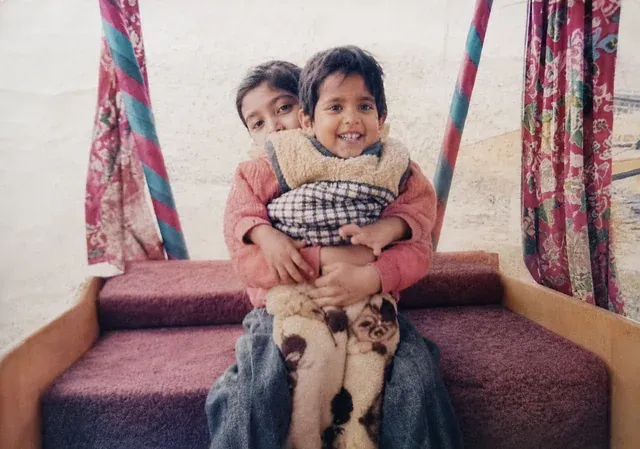
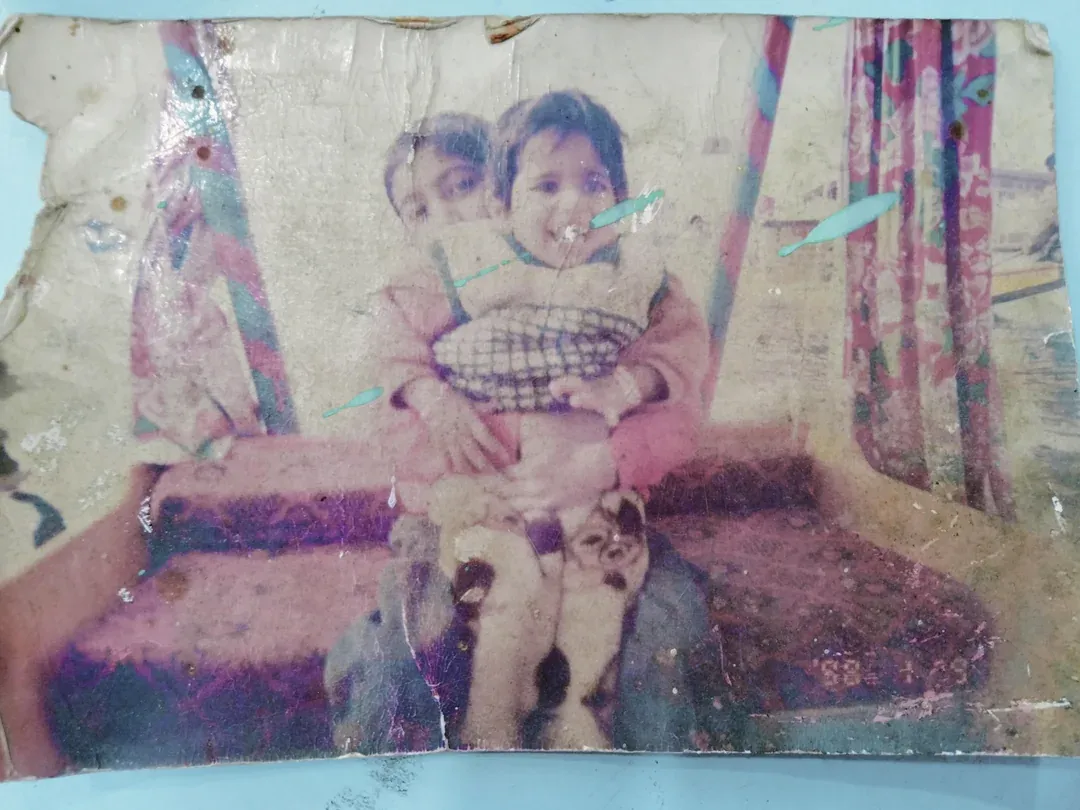
One credit repairs one photo, a credit is between $0.44 and $0.70 depending on the pack, and there is no subscription: the packs are a one-time purchase and the credits do not expire. That shape matters specifically after a scanning project, because you will not touch this again for a year once the box is done.
| Pack | Photos | Price | Full 1080p | No watermark | Never expires | |
|---|---|---|---|---|---|---|
| Basic | 10 | $6.99$0.70 each | Full 1080p: included | No watermark: included | Never expires: included | Buy |
| Plus | 25 | $16.99$0.68 each | Full 1080p: included | No watermark: included | Never expires: included | Buy |
| Probest value | 50 | $29.99$0.60 each | Full 1080p: included | No watermark: included | Never expires: included | Buy |
| Studio | 100 | $54.99$0.55 each | Full 1080p: included | No watermark: included | Never expires: included | Buy |
| Max | 250 | $109.99$0.44 each | Full 1080p: included | No watermark: included | Never expires: included | Buy |
One credit restores one photo. Every pack includes the same everything: nothing is held back for the larger ones, and the only difference is how many photos you get.
A practical note on sequence: scan everything first, then restore only the ones worth restoring. Most boxes turn out to contain forty photographs people genuinely care about and two hundred they are glad to have digitised and will never print. Paying per photo for the second group is a waste, which is another reason a per-photo price suits this step better than a subscription.
Questions people ask
How much does Photomyne cost?
Three plans, and per their own pricing page on 3 November 2026 all three include the same features. Monthly is $19.99 a month with no free trial, billed monthly and renewing automatically. Annual is $59.99 a year, which they present as $5.00 a month, with a 3-day free trial and automatic renewal after it. Three years is $119.99 as a one-time payment with no free trial and, importantly, no automatic renewal. Since the features are identical, the only question is how long you need it, and for most people digitising one collection that answer is measured in weekends rather than years.
Is Photomyne free?
There is a free version with ads and limits, and it is enough to find out whether the scanning is as good as people say. It is not enough to digitise a collection. The paid membership is what unlocks the product properly, and the annual plan is the only one with a free trial, which lasts 3 days.
How much would it cost to digitise 1,000 photos?
With Photomyne, whichever plan you take, because none of them charges per photo: $59.99 for the annual plan or $119.99 for three years, plus your own time. The real cost of 1,000 photos is the hours, not the licence. Photomyne detects several prints at once, so a well-organised session can do a few hundred in an evening, which is the entire argument for using it rather than a flatbed scanner. Restoring those scans afterwards is priced separately and per photo, by us and by everyone else.
Can I save Photomyne photos to my computer?
Their pricing page states that membership and photos sync across your devices, including on your computer. This is the question to settle for yourself before you scan a whole collection rather than after, because the thing you are creating is your family archive and you want it in ordinary files you control, not only inside one company's app. Scan a dozen photos on the free version, get them out onto your own machine, confirm the resolution and the file format are what you expected, and only then do the other nine hundred.
Where does Photomyne store my pictures?
On their servers, as a cloud-synced library, which is how the across-devices syncing works. That is the normal arrangement for an app of this kind and it is the same trade almost every tool in this area asks for, ours included. If a collection must never leave your own machine, a flatbed scanner and a folder on a hard drive is the only arrangement that actually satisfies that, and no app-based workflow will.
What replaced Google PhotoScan?
Nothing formally, which is why the question keeps being asked. PhotoScan by Google Photos is still listed in the App Store, but the listing shows version 1.7 last updated on 21 November 2022, while the main Google Photos app was updated on 30 October 2026. Draw your own conclusion about how actively it is being developed. It still scans, it is free, and it has no multi-photo detection, so for a shoebox it is considerably slower than Photomyne.
Is there an app better than Photomyne?
For the specific job of photographing several prints at once, cropping and deskewing them, not really: it is the best in that category and the reviews are right about that. Where it stops being the right answer is when your photographs are already digital, when you only have a dozen prints, or when what you actually need is repair and colour rather than digitising. Those are different jobs and Photomyne is not built for them.
Is Photomyne legitimate?
Yes. Photomyne LTD is an established company with apps on both stores and a published pricing page, and the scanning does what it claims. The complaints that turn up are the ordinary subscription ones rather than anything untoward: a 3-day trial that converts, a monthly plan priced for a job that does not take months, and the usual questions about getting your files out. Read the plan terms before you tap, which is true of this whole category.